
QuickMarks is a library of frequently used annotated comments and feedback that could be applied across multiple modules and students.
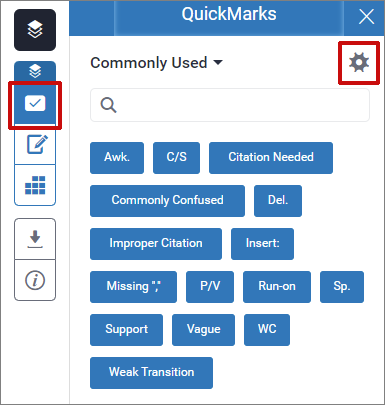
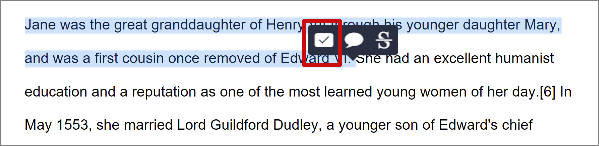
You can insert QuickMarks by dragging the blocks across to the paper from the QuickMarks panelor use the tick icon in the inline comment option.
There are also options to create custom sets of comments the via the cog icon or convert an inline comment (by clicking the bubble icon) to QuickMark as you grade.

For further details on using QuickMarks please visit the Turnitin Help Guide – Using QuickMarks (Opens in a new tab)